Protect your finances. Part 3: from a compromised password to loss of liquidity. How to ensure data security in the company and check if a website is safe?


In the digital world, administrative errors can cost a company as much as the loss of a key client. Even the best-optimized cash flow, supported by modern financial tools, can be ruined in a split second if cybercriminals gain access to corporate accounts. Securing financial liquidity starts right at your employees’ keyboards. In the third part of our series, we take a closer look at login data protection and other daily habits that determine whether your company’s capital is safe.
Key takeaways:
- Weak passwords and improper login data management are the easiest ways for hackers to take control of corporate bank accounts and factoring panels.
- Verifying SSL certificates and communication encryption (HTTPS) protects the accounting department from logging into fake websites intercepting financial data.
- Daily routines – from avoiding open Wi-Fi networks during business trips to locking device screens – are crucial for data security in the company, and consequently, for maintaining operational continuity and protection against fraud.
Login data protection, the first line of budget defense
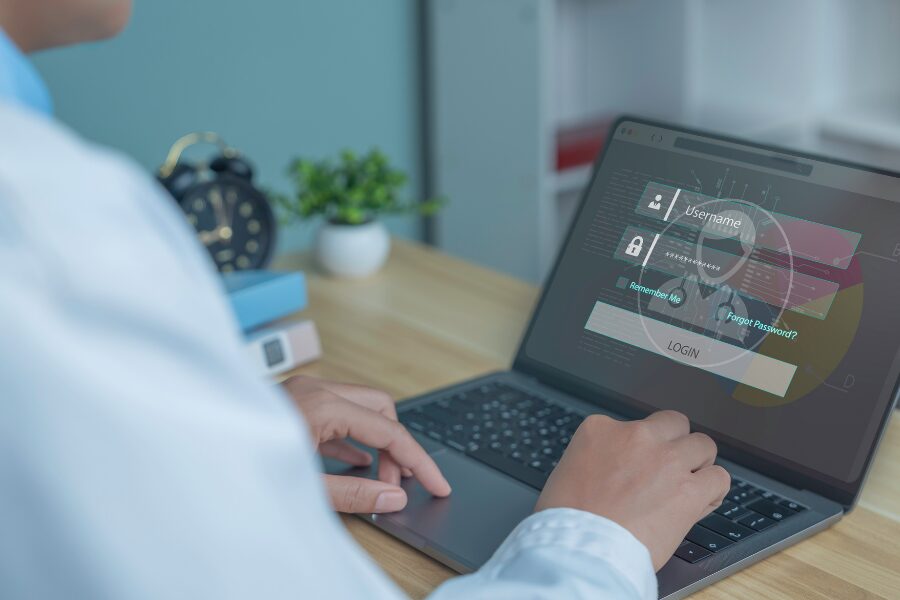
A key aspect of online safety is proper login data management. Creating access passwords is a daily routine in companies, but how well you protect them, how careful your employees are when using them, and how complex these character strings are, directly determines the safety of corporate finances. Even the most advanced bank defense systems are useless if a criminal simply “walks through the front door” using a guessed or intercepted password belonging to the chief accountant.
How to protect yourself:
- It is important not to be predictable. Avoid using your first name, last name, date of birth, or names of close relatives, as well as the company name or obvious dates (e.g., the year the business was founded).
- Your password should contain more than 8 characters, including letters (upper and lower case), numbers, and special characters. A password will be strongest if it is generated randomly.
- Use a different password for each system (ERP, bank, email, factoring). The risk of an attacker discovering your data and gaining access to all key company resources drastically increases when using a single password or its common, repetitive part. Also, remember to change them regularly.
- Make sure passwords are kept in a safe place (e.g., in encrypted password managers), away from prying eyes and sticky notes left on monitors.
Recognizing website security
Criminals can create almost perfect copies of bank or financial institution websites. Before you enter any invoice into the system for financing or order a batch of transfers, you need to know how to check if a website is safe. Carelessness in this matter can lead to handing over full control of your finances straight into the hands of hackers.
How to protect yourself:
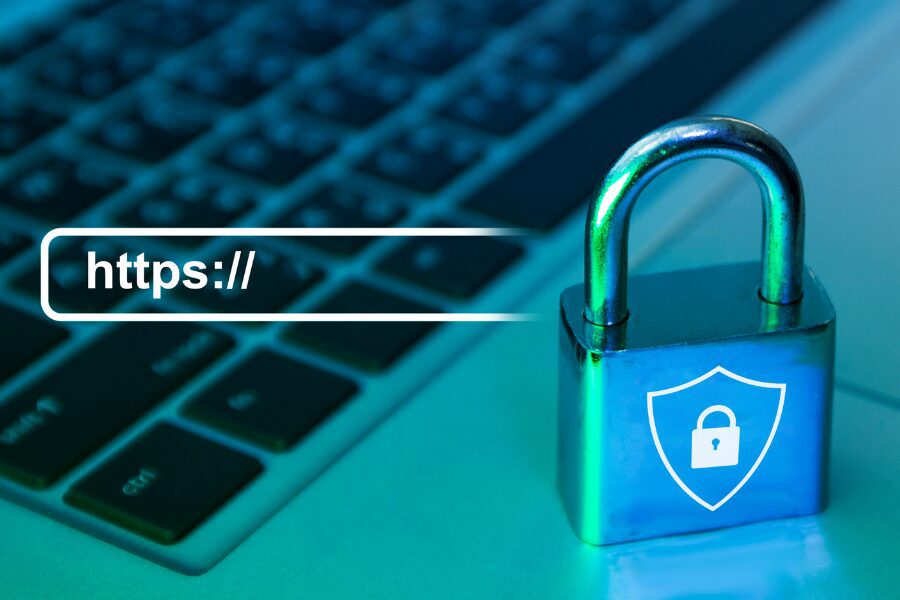
- Always check if the URL in the browser starts with “https://”. The presence of the letter ‘S’ (for ‘secure’) is the absolute foundation of website security – it means that communication is encrypted and protected against data interception attempts.
- By clicking the padlock icon in the browser’s address bar, make sure the website has a valid SSL certificate and check the information about the entity it was issued to.
- Always carefully verify the website address. Make sure there are no spelling mistakes, typos, or unusual domains (e.g., instead of .com, .xyz appears). Such details are a clear signal that the website is fake and threatens data security in the company.
Checking the sender and content of emails in the accounting department
Emails are still the main attack vector through which hackers illegally acquire login data and payment information. Sometimes your accounting department receives messages from seemingly trusted contractors (or the bank itself) asking to click a link, allegedly unlock a service, or log into a portal. Login data protection is fundamental, and uncritical trust in the inbox is a huge risk for payments and maintaining financial liquidity.
How to protect yourself:
- Pay attention to the form. Spelling mistakes, weird punctuation, unnatural text formatting, or suspicious grammatical structures indicating automatic translation are a warning sign. Such messages should be immediately reported to the IT department.
- If you do not know the sender, the email address differs from the one the contractor has used so far, or contains unusual character strings – exercise maximum caution and under no circumstances download any attachments.
- Verify the institution’s requests. Even if an email looks like it comes from a bank, read carefully what you are being asked to do. Never enter login data through links from emails and remember that financial institutions do not ask for full passwords in this way.
Taking care of data security in other daily activities
Business often happens on the run – remote work, meetings with contractors, business trips. An environment outside the office dulls vigilance, and daily, seemingly trivial activities can pose a serious threat to data security in the company. Using unsecured connections to send financial documents means exposing the corporate cash flow to the crosshairs of criminals.
How to protect yourself:
- Avoid public Wi-Fi. If you are making transfers or logging into financial systems, never connect to open networks at airports or in cafes. They have low security and can be easily intercepted. Use encrypted VPN connections or corporate mobile internet.
- Secure home and office networks. Always change default passwords on routers (both to the administrator panel and the Wi-Fi network itself) to complex character strings. This will increase login data protection and hinder unauthorized outside access.
- Never leave an unlocked laptop or phone unattended. Do not save computer passwords in places where third parties can easily find them.
- Remember the strict rules of banks. No bank will ever contact you by phone to make a transaction on your account, nor will it ask for a full login password or PIN code (via SMS, email, or during a call).
Digital awareness means financial stability
Remember that in today’s reality, data security in the company is the foundation of stable liquidity. Tools like factoring for companies perfectly free up funds from invoices and help in development, but it is the entrepreneur’s responsibility to ensure that these funds do not fall into the wrong hands. The consistent application of the above rules in the daily work of the entire team effectively minimizes the risk of fraud and allows you to focus on what is truly important – safely growing your business.
Frequently Asked Questions (FAQ) about data security in the company
Why is using one password for multiple financial systems so dangerous?
If, as a result of an attack or data leak, criminals obtain your password, e.g., to your email, they will immediately try to use it on banking portals, ERP systems, or factoring platforms. Password diversity is a risk-isolating mechanism – breaking the security of one system does not then mean an automatic loss of control over the company’s entire finances.
How can corporate use of public Wi-Fi threaten financial liquidity?
Unsecured, public wireless networks allow hackers to easily employ “Man-in-the-Middle” attacks. A criminal can intercept the data you transmit (e.g., bank login packets), which opens the door to stealing funds from the company account, and thus to instantly generating payment bottlenecks in your business.
Will a secure factoring partner help me protect my data?
A professional factor guarantees the highest security standards (own SSL certificates, encrypted client panels, rigorous authorization procedures). Moreover, as part of its own analytical processes, it verifies the condition of debtors submitted for financing, which often allows the entrepreneur to avoid cooperation with unreliable entities or those involved in suspicious financial structures. However, complete protection of your own login data always rests with the user.